

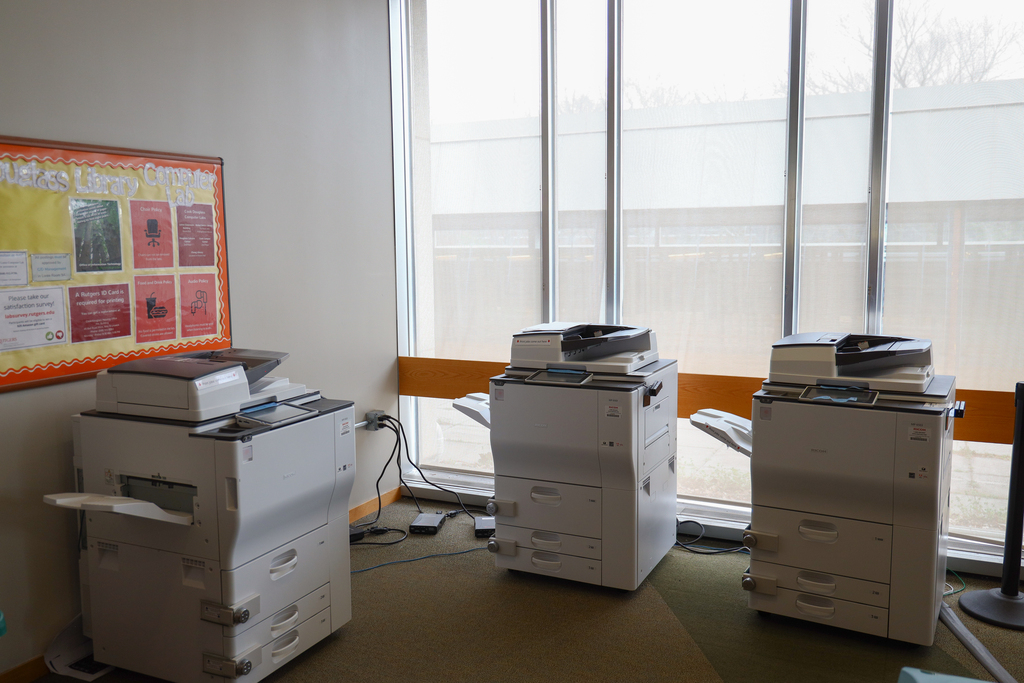
Printing services
Printing made easy
Rutgers–New Brunswick IT printing locations
Jump to: Busch College Ave Cook/Douglass Livingston
Busch
Contact computer lab staff at 848-445-2273 with questions or issues about Busch campus printing.
| Name | Location | Printing equipment | Hours |
|---|---|---|---|
| Busch Campus Computer Lab (ARC) | 618 Allison Road – Room 111 | 3 color/black-and-white multi-function printers 1 plotter | See hours |
| Library of Science and Medicine Computer Lab (LSM) | 165 Bevier Road | 3 color/black-and-white multi-function printers | See hours |
| Math and Physics Library | 110 Frelinghuysen Road – 1st floor | 3 color/black-and-white multi-function printers | See hours |
| School of Pharmacy | 160 Frelinghuysen Road Building Number: 3750 | 1 color/black-and-white multi-function printer | Available during building hours. |
| Busch Student Center | 604 Bartholomew Road | 2 color/black-and-white multi-function printers | Available during building hours. |
College Ave
Contact computer lab staff at 848-445-2273 with questions or issues about College Ave campus printing.
| Name | Location | Printing equipment | Hours |
|---|---|---|---|
| College Ave Computer Center Lab (Rutgers Academic Building) | 15 Seminary Place, Lower Level, Suite 1200 | 2 color/black-and-white multi-function printers 4 black-and-white printers | See hours |
| Alexander Library Digital Learning Commons | 169 College Avenue | 4 color/black-and-white multi-function printers | See hours |
| Art Library | 71 Hamilton Street | 2 black-and-white printers | Please check the Rutgers libraries site for up-to-date hours. |
| Rutgers Student Center | 126 College Ave | 1 color/black-and-white multi-function printer | See hours |
Cook/Douglass
Contact computer lab staff at 848-932-9750 with questions or issues about Cook/Douglass campus printing.
| Name | Location | Printing equipment | Hours |
|---|---|---|---|
| Cook/Douglass Computer Lab (Loree) | 72 Lipman Drive | 2 color/black-and-white multi-function printers 1 plotter | See hours |
| Douglass Library Computer Lab (Dlib) | 8 Chapel Drive – Main Floor | 3 black-and-white printers | See hours |
| Chang Library (Chang) | 59 Dudley Road | 2 color/black-and-white multi-function printers | Please check the Rutgers libraries site for up-to-date hours. |
| Cook Student Center | 59 Biel Road | 1 color/black-and-white multi-function printer | Available during building hours. |
| Douglass Student Center | 100 George Street | 1 color/black-and-white multi-function printer | Available during building hours. |
Livingston
Contact computer lab staff at 848-445-3465 with questions or issues about Livingston campus printing.
| Name | Location | Printing equipment | Hours |
|---|---|---|---|
| Livingston Computer Lab (Tillett) | 53 Avenue E | 2 color/black-and-white multi-function printers | See hours |
| Carr Library Computer Lab | 75 Avenue E – Main Floor | 1 color/black-and-white multi-function printer 3 black-and-white printers | See hours |
| Livingston Student Center | 84 Joyce Kilmer Avenue | 1 color/black-and-white multi-function printer | See hours |
Poster printing tips
Speak with one of our computer lab consultants and they will guide you through the process from start to finish.
Allot about 45 minutes to print. Posters themselves typically take around 10 to 15 minutes to print, however, it’s important to ensure you have enough time to work with a consultant. Don’t come in a rush!
While you can utilize other software programs to print, PowerPoint, Adobe, and Word are commonly used with the plotters. Files such as .doc, .pdf, .ppt, or .tiff typically work best.
Our plotters have the unique capability to print posters up to 34 x 44 inches for a 3 ft. x 2 ft. poster.
