Part two: IT pets lending a helping paw during Cybersecurity Awareness Month
Rutgers IT pets are back with more practical tips for Cybersecurity Awareness Month. In part two, meet more of the animals lending a paw to help the Rutgers community stay cyber secure.
Meet Misty, pet of Shanna Spurlock, OIT/ITS Supervisor
“Misty enjoys watching my boyfriend play just as much as listening to the music, so he showed her how he strummed the guitar. Later, when we were relaxing, we heard the guitar. It was propped up against his desk, and we looked down to see her trying to pull the strings with her paw! To this day, she will run over whenever she hears the guitar being played for a personal concert. If he hasn’t played yet that day, she will meow at him and then run over to the guitar and sit by it, waiting for him to play.”
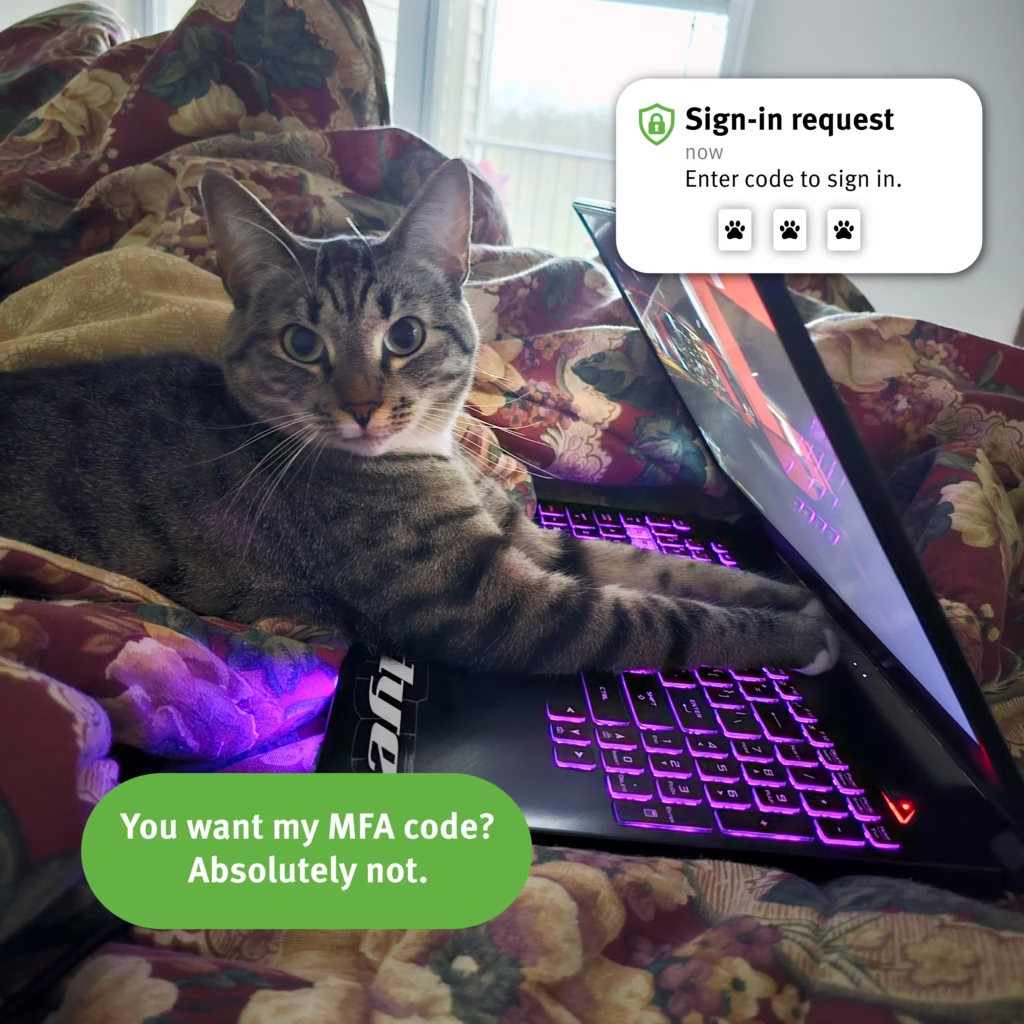
Shut down strange two-step login requests
You’ve created a strong password to help protect your accounts—but sharing your two-step login code or accepting a prompt that you didn’t request can give an attacker account access. Don’t provide your code if you didn’t initiate the request.
Meet Marley and Gitana, pets of Ayla Osman, Manager of Data Administration
“Marley (top photo) was about six months old there. He’s three now, although intellectually, there has been very little progress. He was such a chill kitten that we named him Marley, after Bob Marley. In his defense, it simply hasn’t been his turn with the braincell yet. We remain hopeful.”
“I got Gitana (bottom photo) when I was 22 and she passed away a month before her 21st birthday. When she died, I had had her for my entire adult life! She moved with me from NY to DC, stayed with my parents while I was deployed in Iraq, came back to me when I returned stateside and eventually moved with me to NJ. She was regal, lady like, full of grace and intelligent. She left paw prints on my heart.”
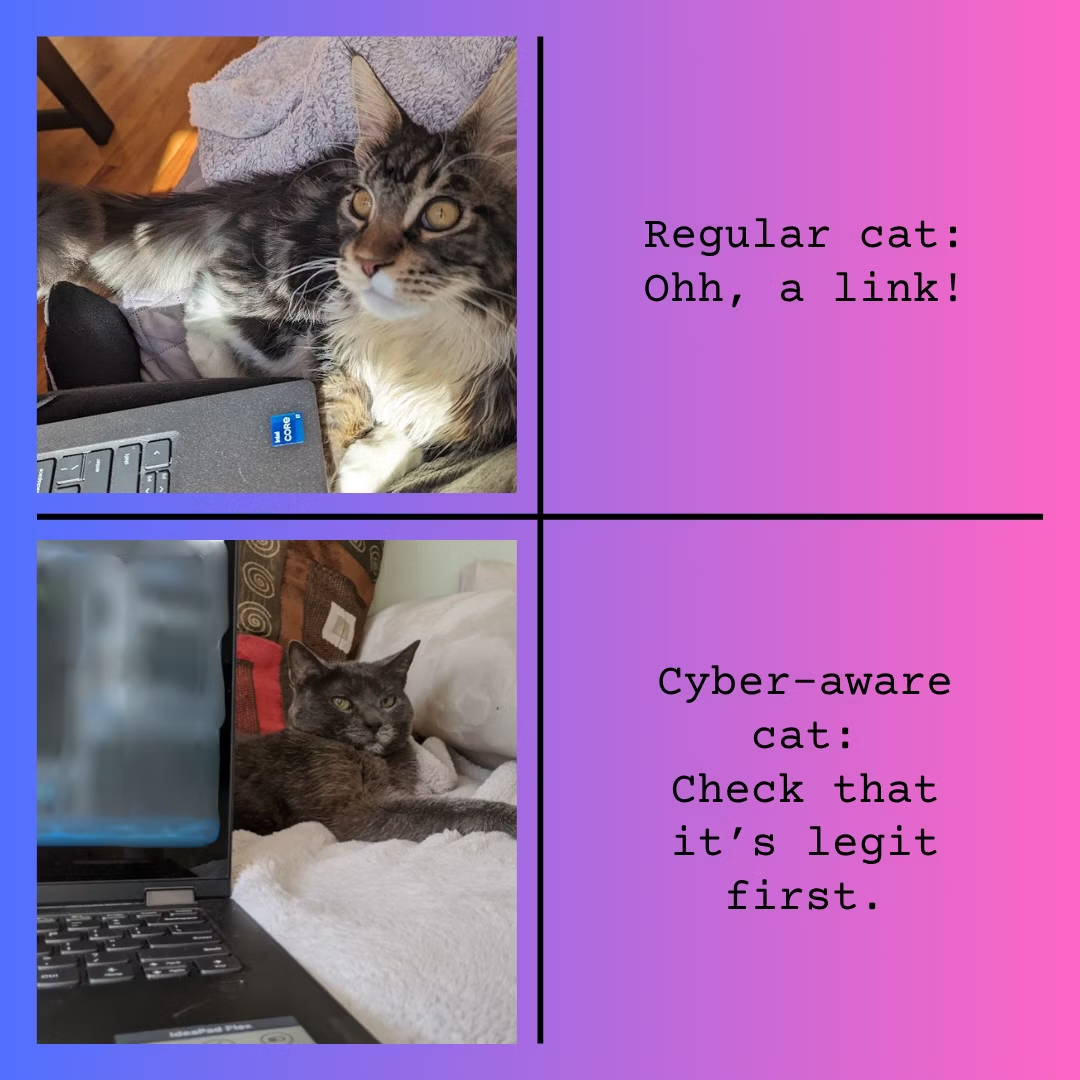
Side eye those strange links
Scammers frequently use external links to steal your usernames, passwords, or personal information, or to install malicious software on your device. Check that the link is legit before you click.
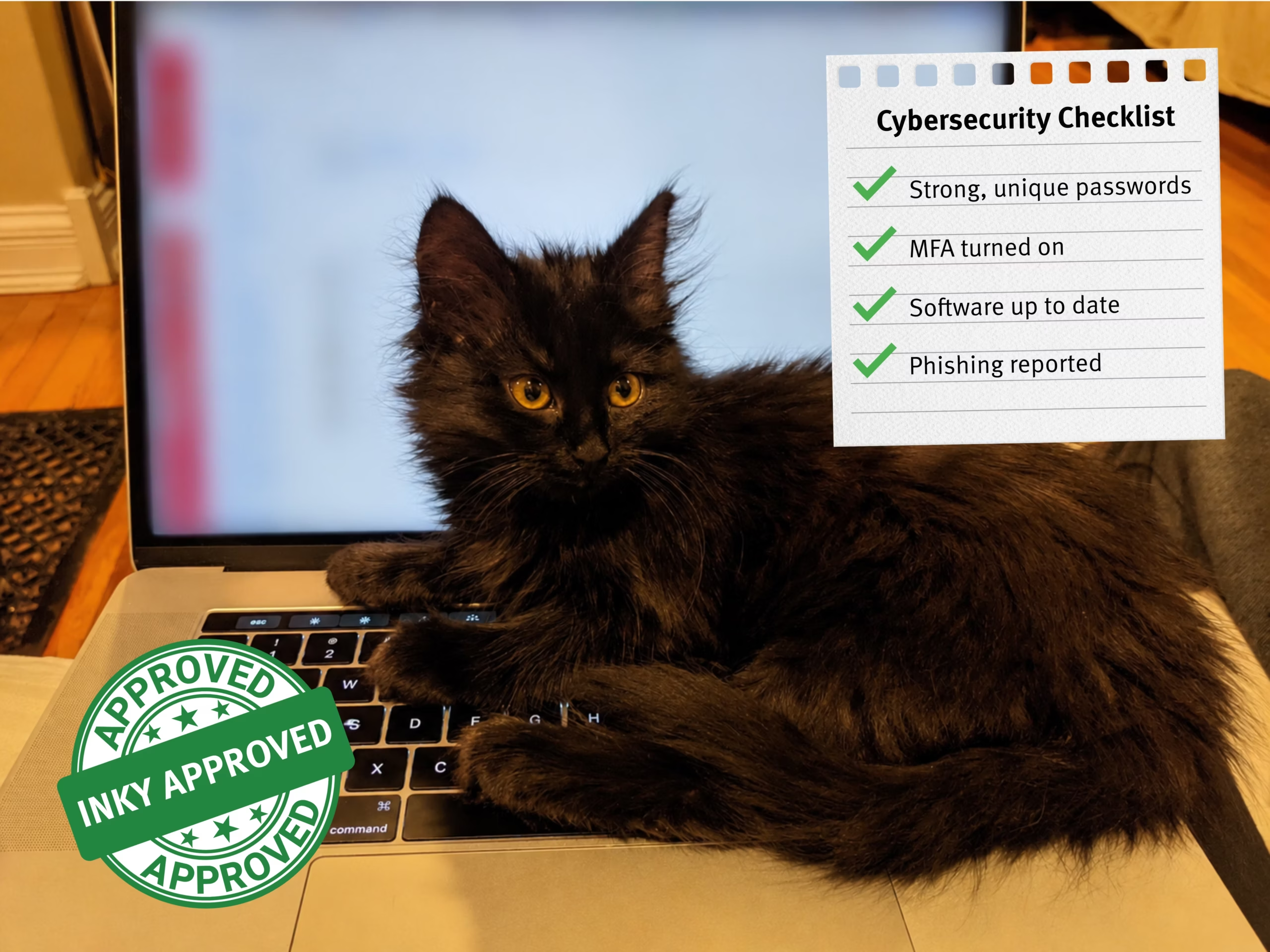
Meet Inky, pet of Priscilla M. Hockin Brown, Sr. Instructional Technology Specialist
“Inky takes her role as house panther very seriously. Every morning, she conducts her security patrol around the house. She must inspect the inside of my armoire, most windows, and the enclosed front porch before she has her breakfast. She does not care that you did not want to get out of bed at 6:30 a.m. on a Saturday; she will continue to remind you to open the armoire door so she can inspect. She once threw herself at our backdoor because a racoon was on the back porch. She is seven and a half pounds of feline fury.”
Be like Inky: Cyber secure
Inky knows that she needs to protect her accounts and devices. That’s why her cybersecurity checklist includes strong, unique passwords, two-step login on her accounts, updated software and reporting sketchy emails so they’re flagged for review.