

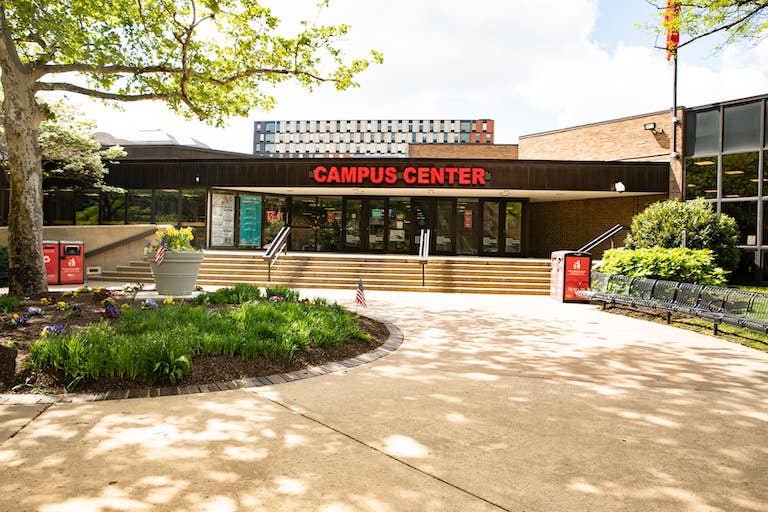
Campus Center – North Conference Room
326 Penn Street, Camden, NJ 08102
The North Conference Room is available at the RU–Camden Campus Center. See the available equipment below.
North Conference Room instructions
Classroom equipment
Capacity: 46HD ceiling projectorInstructor computerPersonal laptop connectionDVD player in computer |
Lecture capture cameraApple TVWindows 11Computer stations for students (Windows) |
North Conference Room instructions
-
Setting Up
Turn on the projectors by pressing the “PROJ. 1 ON” and “PROJ. 2 ON”, they will blink while the projectors are warming up. Please be patient. The buttons will turn green when ready. If screens are not lowered, you may use the screen controls located on the wall to the left of the podium.Equipment Locations
- The instructor laptop is located on top of the podium
- The wireless microphone is in black case inside the podium
- The Blu-Ray/VCR player is in the podium with the remote
- Cables for a laptop connection are on top of the podium behind the instructor laptop (If either laptop is not properly outputting, press Windows + P and ensure the “Duplicate” setting has been selected)
Shutting Down
Remember to turn off the projectors and return everything to its proper place. Turn off the projectors by pressing each of the Projector buttons. They will blink while the projectors are cooling off. Do not try to turn projectors back on during this process.
