Skip to content
Close Search
Enter a Search Term
Search Rutgers
Search this site
Search IT Help articles
Search all Rutgers
Rutgers.edu
Alerts
IT Help Portal
Tech Guides
Open Search
Locations
Rutgers–Camden IT
Rutgers–New Brunswick IT
Rutgers–Newark IT
Health Sciences IT
Services
All services
Getting started with IT
IT security
Research Computing
Teach with technology
Get Help
Support & hours
How-to and help articles
Rutgers IT Help portal
Report a security incident
About
About Rutgers IT
Office of the CIO
Office of Information Technology
Distributed IT
Policies
Strategic priorities
Contact Us
I want to...
Access DocuSign
Buy a computer or other tech
Contact the Help Desk
Connect to Wi-Fi
Create forms and surveys
Download Microsoft 365
Find a computing lab
Get Adobe Creative Cloud
Get a Grammarly account
Get software
Get started with research computing
Manage my NetID
Print on campus
Report a security incident
Reset my NetID password
Secure my technology
Set up two-step login with Duo
Teach with technology
View tech guides
Log in to...
Box file storage
Canvas
LabArchives
LinkedIn Learning
myRutgers portal
Qualtrics survey tool
REDCap
Rutgers Connect
ScarletMail
University software portal
Virtual Computer Labs
Webex
Zoom
IT Community
Committees and working groups
IT annual review
IT communications resources
IT community hub
IT email lists
IT Leadership Council
Policies
Slack for Rutgers IT
Strategic priorities
Open Search
Open Search
Open Menu
Close
Locations
Rutgers–Camden IT
Rutgers–New Brunswick IT
Rutgers–Newark IT
Health Sciences IT
Services
All services
Getting started with IT
IT security
Research Computing
Teach with technology
Get Help
Support & hours
How-to and help articles
Rutgers IT Help portal
Report a security incident
About
About Rutgers IT
Office of the CIO
Office of Information Technology
Distributed IT
Policies
Strategic priorities
Contact Us
I want to...
Access DocuSign
Buy a computer or other tech
Contact the Help Desk
Connect to Wi-Fi
Create forms and surveys
Download Microsoft 365
Find a computing lab
Get Adobe Creative Cloud
Get a Grammarly account
Get software
Get started with research computing
Manage my NetID
Print on campus
Report a security incident
Reset my NetID password
Secure my technology
Set up two-step login with Duo
Teach with technology
View tech guides
Log in to...
Box file storage
Canvas
LabArchives
LinkedIn Learning
myRutgers portal
Qualtrics survey tool
REDCap
Rutgers Connect
ScarletMail
University software portal
Virtual Computer Labs
Webex
Zoom
IT Community
Committees and working groups
IT annual review
IT communications resources
IT community hub
IT email lists
IT Leadership Council
Policies
Slack for Rutgers IT
Strategic priorities
Rutgers.edu
Alerts
IT Help Portal
Tech Guides
News
Search News
Menu
Search
Topics
Close Search
News Landing Nav
Search
Announcements
Apps and Tools
Events
Information Security
Initiatives and Projects
IT Community
Office of the CIO
Partnerships
Research Computing
Services and Support
Staff Spotlight
Teaching and Learning
Tips and Advice
Apps and Tools
Choose your software tools with confidence
September 16, 2026
IT Community
Americans use AI, but they don’t want it in charge
September 15, 2026
Services and Support
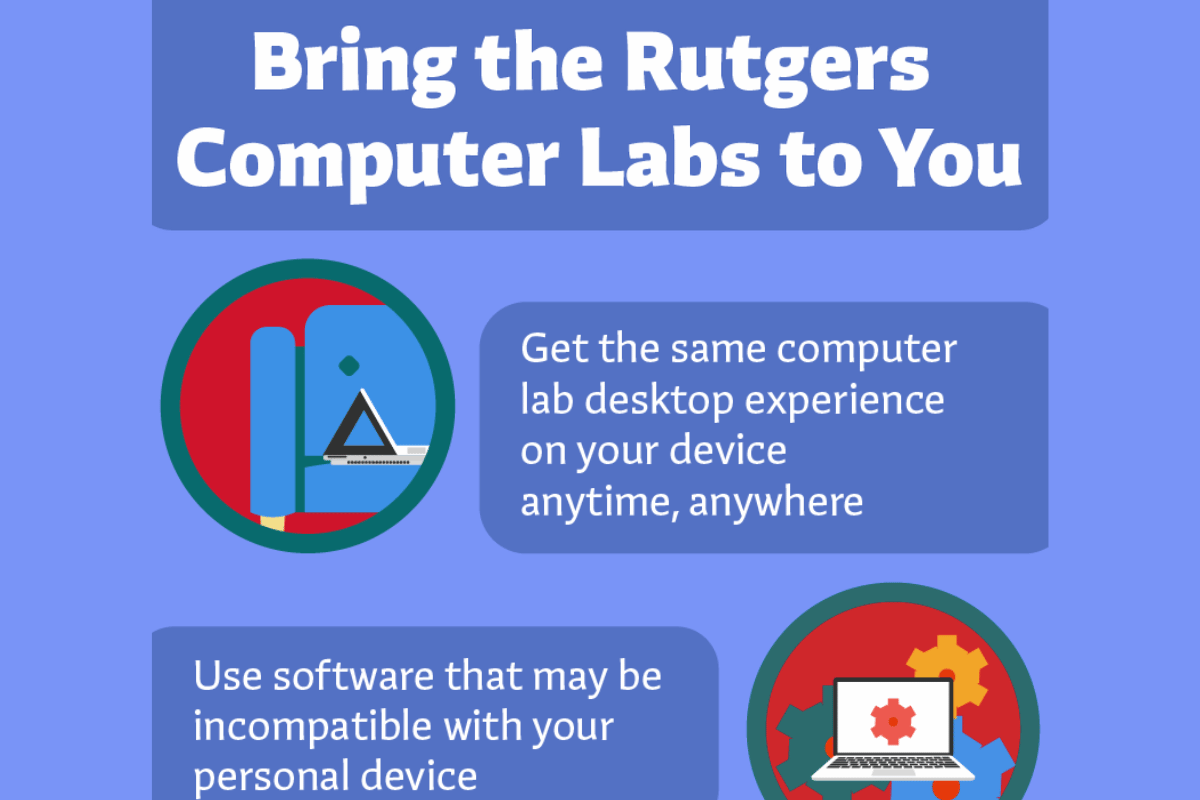
Infographic: Bring the Rutgers computer labs to you
September 15, 2026
Apps and Tools
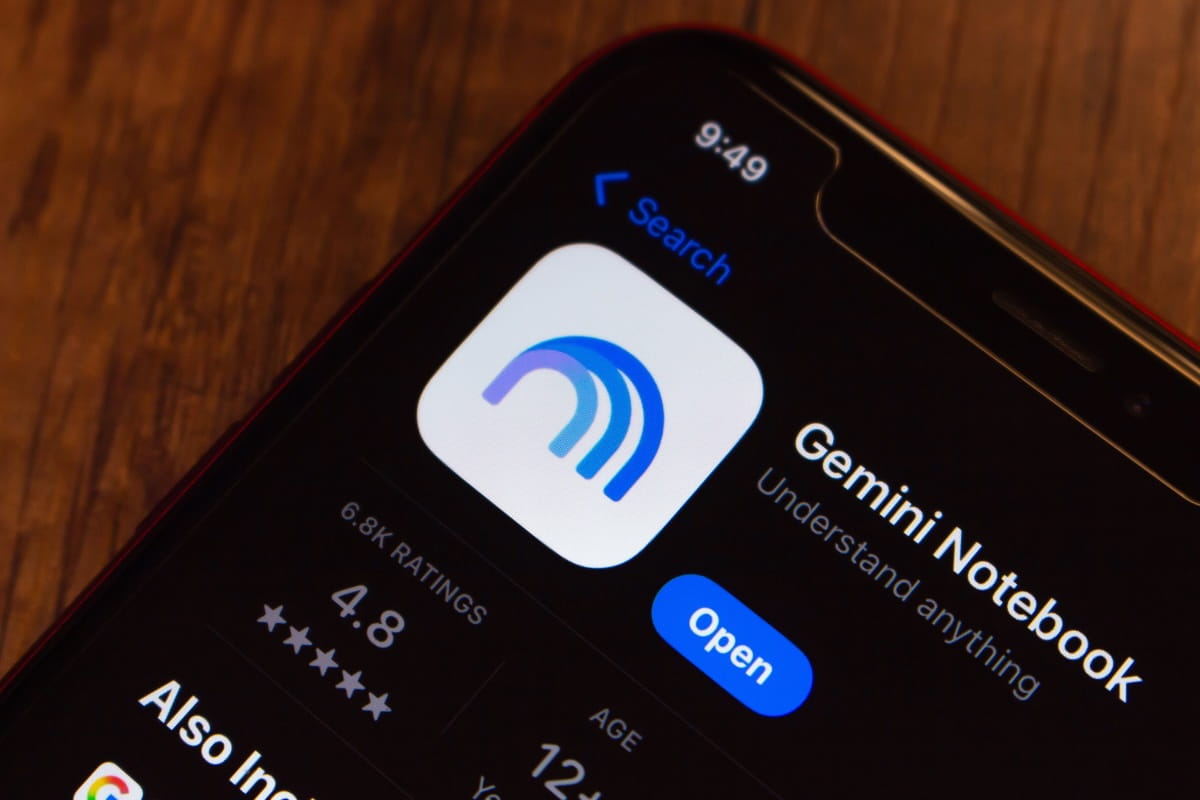
Same tool, new name: NotebookLM is now Gemini Notebook
September 10, 2026
Apps and Tools
RU ready for Fall? New semester, new tech
September 8, 2026
Apps and Tools
App-y fall: Productivity tools at Rutgers to maximize your semester
September 4, 2026
Information Security
Avoid the textbook trap: Textbook scams 101
September 3, 2026
Events
Navigating AI: Workshops offered by Rutgers Libraries
September 2, 2026
Tips and Advice
Fall into the semester with back-to-school tech tips
August 31, 2026
Posts pagination
« Prev
1
2
3
4
5
6
…
51
Next »