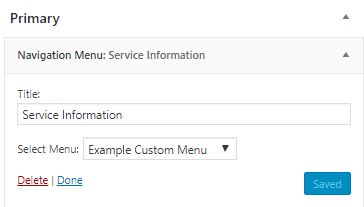
Navigation widget setup on Rutgers IT subsite pages
Navigation widgets
By default, navigation widgets are setup for a site. These widgets are setup by site administrators.

Configuring navigation
1. From the setup menus, go to “Appearance” > “Menus.”
2. Click “Create a New Menu.”
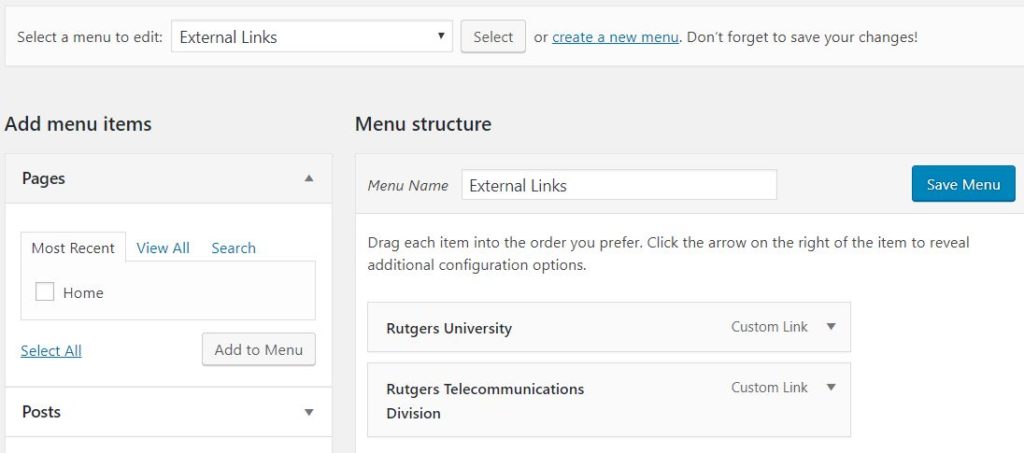
3. Add menu items. Click “Save Menu.”
4. Go to “Appearance,” then drag “Navigation Menu” and “Separator” widgets into “Primary” widget area.
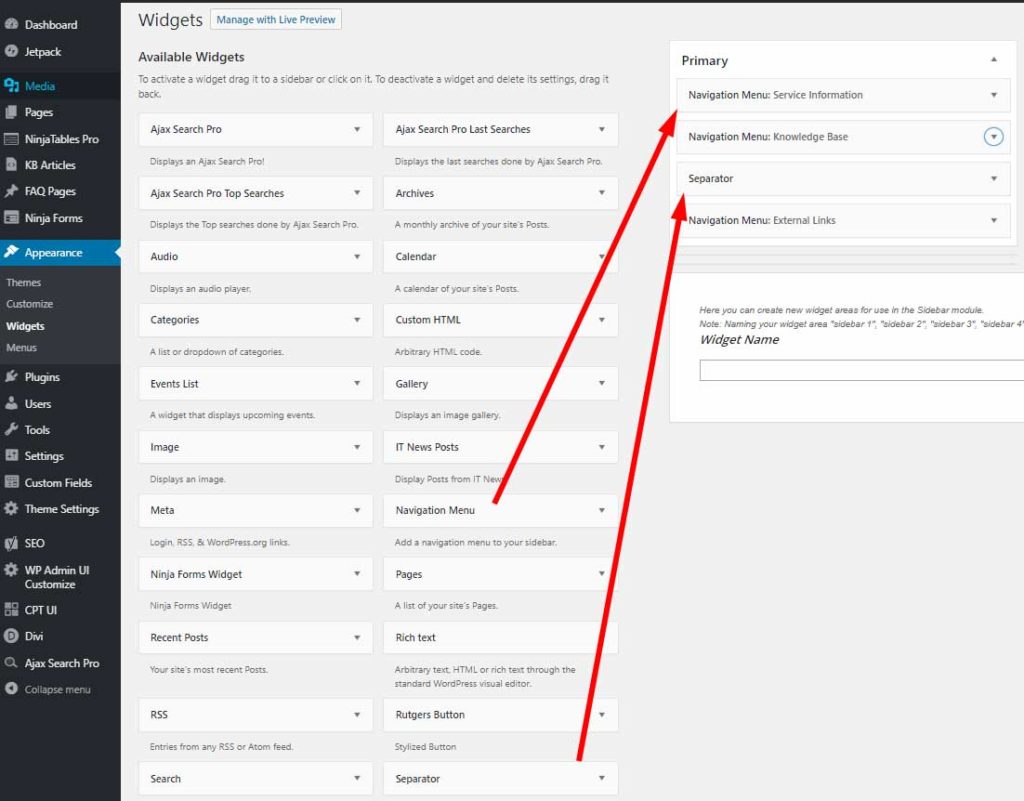
5. Associate menus with navigation widgets.
.