myRutgers mobile app
The myRutgers portal provides a suite of self-service information and resources for the university community.
Download the myRutgers mobile app
Take Rutgers with you
Available on Android and Apple devices, the myRutgers mobile app offers a hassle-free experience, allowing users to easily access key information and services on-the-go.
 |
 |
Check out the Rutgers IT Help portal to learn more about all available features.

A view for every role
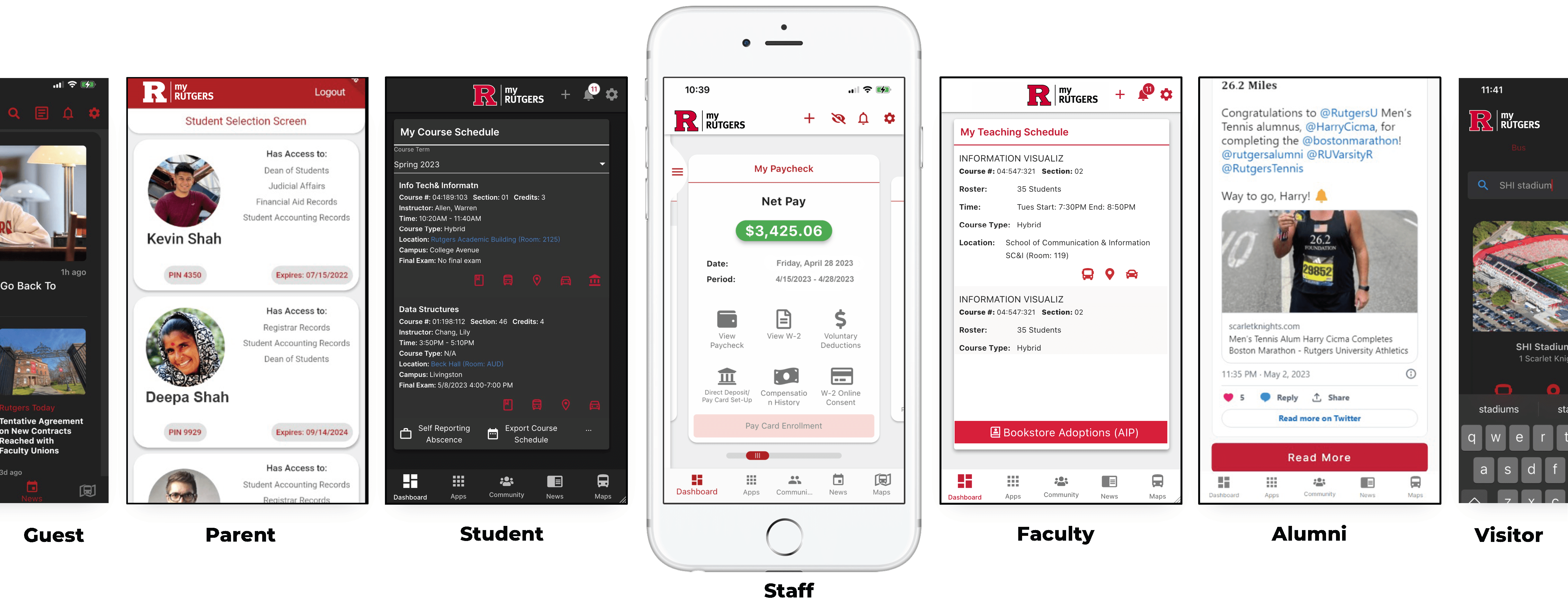
The myRutgers mobile app offers a personalized experience, displaying relevant updates based on your role at Rutgers. Custom views are available for students, faculty, staff, parents, and more.
my Community
The community hub within myRutgers enables students, faculty, and staff to engage with one another through this social space for groups and forum discussions.
my Maps
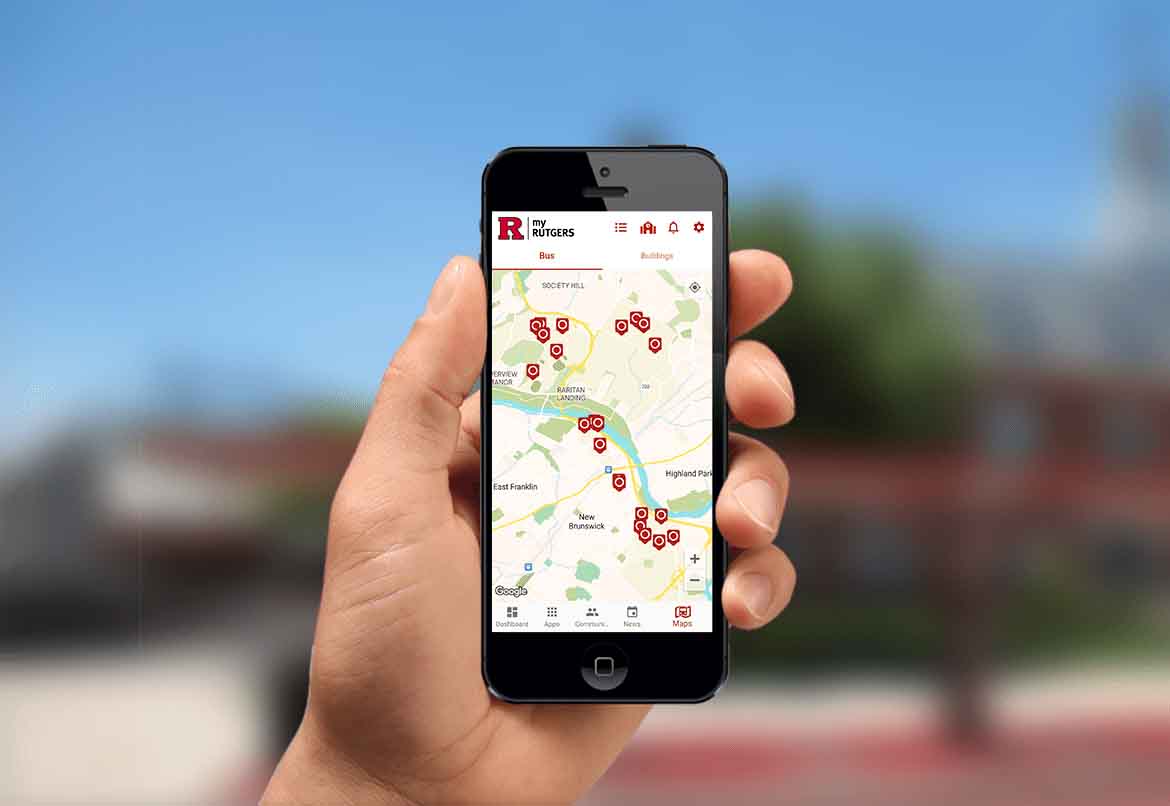
Navigate Rutgers’ three regional campuses, with interactive maps featuring wayfinding, building search, parking details, and bus routes. Select your default campus, customize your map views, check the bus schedules including next arrival times, and more.
How-to articles
Have questions about the myRutgers mobile app? Check out the Rutgers IT Help portal to learn more about all available features.