

Get started with tech

Welcome to Rutgers! Here’s a quick overview of some of the many IT resources available at the university.

Tech Guides

Faculty tech guide

From learning management systems to free software, the guide highlights the various IT resources available at Rutgers.

View faculty guide

Student tech guide

Looking for a computer lab? Wondering how to print or connect to WiFi? The Student Tech Guide provides key resources and tips.

View student tech guide

Staff tech guide

Learn about email services, managing your NetID, getting wireless internet access on campus, and more.

View staff guide

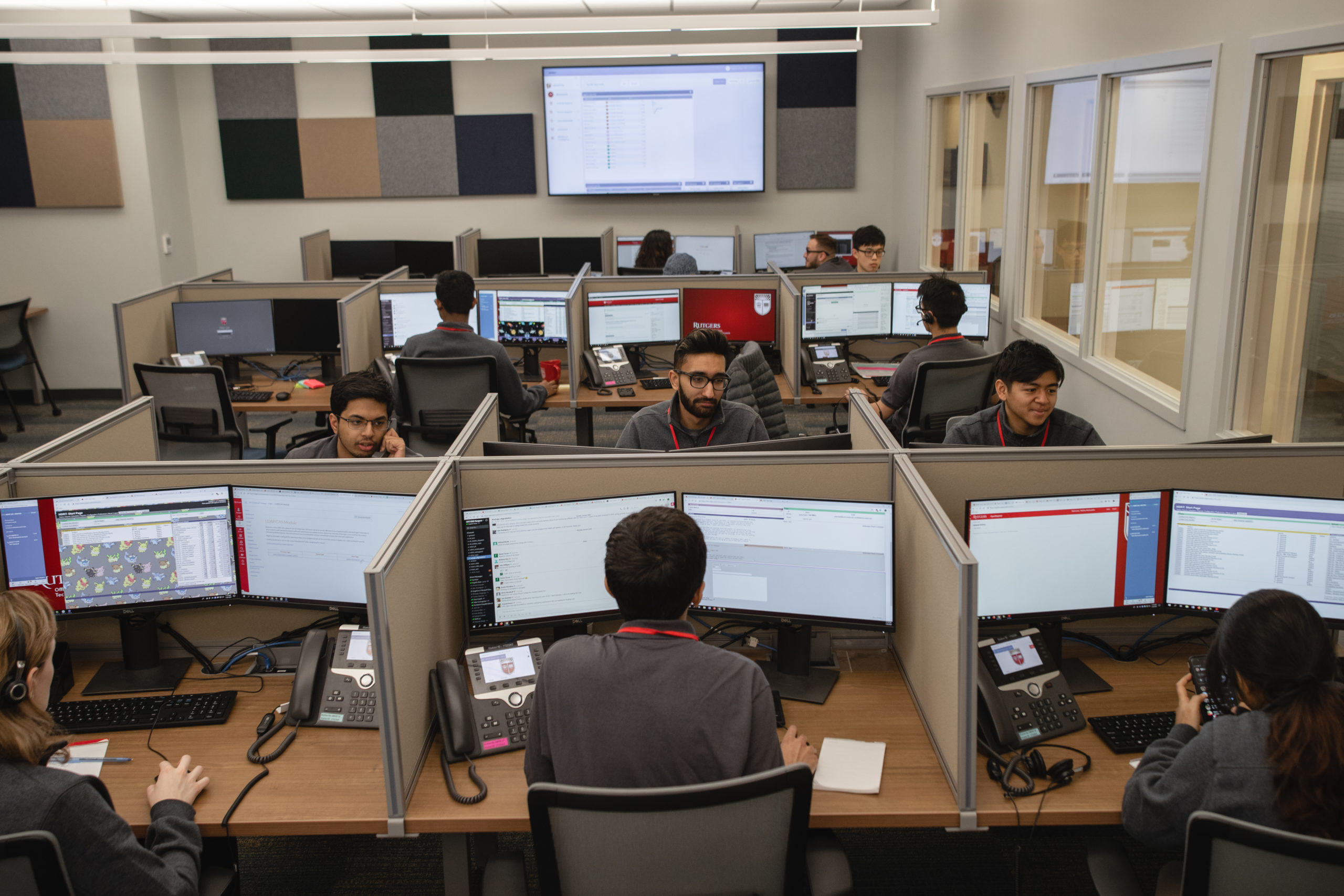
Where to get help and support

Rutgers IT staff members are dedicated to providing prompt, courteous, and effective service to the Rutgers community.

If you need help with an IT-related service, visit the Help & Support page and contact your local Help Desk or departmental IT support.
IT essentials

Rutgers NetID

Make sure your NetID is activated in order to start using various Rutgers accounts and systems.

NetID

Software Portal

The University Software Portal offers a variety of discounted and licensed software for faculty, staff, and students.

Software Portal

kite+key

Visit kite+key for deals on tech gear, including computers, tablets, and accessories, as well as on-site repairs.

kite+key

Free software—and more!

Microsoft Office

The Rutgers community can download Microsoft Office products, like Word, Excel, and PowerPoint, for free on multiple devices.

Microsoft Office

LinkedIn Learning

Take advantage of unlimited access to thousands of LinkedIn Learning’s video tutorials and training resources for business, technology, and creative skills.

LinkedIn Learning

Rutgers mobile app

Download the free Rutgers mobile app for bus schedules, class schedules, dining info, news, events, and lots more.

myRutgers mobile app