
Using Ninja Forms on your Rutgers IT subsite
Click the “Ninja Forms” tab and select “Add New” to create a form on your site, such as a feedback or contact form.
Insert the form in the selected area of your subsite by clicking the link icon in the top right corner of the Ninja Form page and copy the shortcode. Then paste it on to a page.
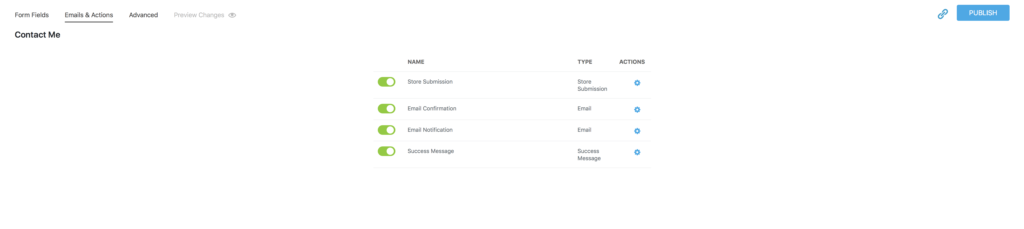
When someone gets a confirmation email about having sent their form, the email comes from noreply@oit.rutgers.edu. To change the reply email, in case they do reply (even though it’s from a “noreply” email address), visit “Email Confirmation” > “REPLY TO” and change the email address to the email address you want to use for replies.

