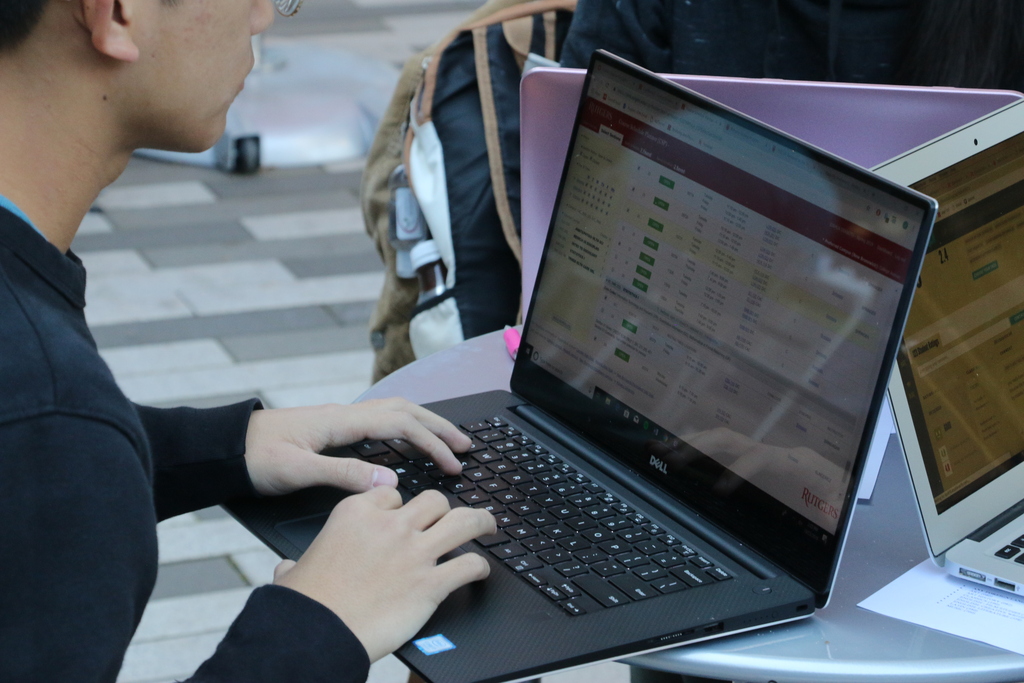
Technology resources for working remotely
Services and tools for collaboration and videoconferencing, online storage, electronic signatures, and more.

Store, manage, and share digital files through Box.
Share and collaborate on documents with Office 365.
Faculty and staff: Explore shared storage options at Rutgers.
We recommend that you start with cloud-based tools available via the internet and only move to remote desktop and VPN if required.
Those needing access to department data or special software may be able to use the Rutgers Remote Desktop Protocol (RDP) service. With RDP, you can connect to university desktops from home without a VPN. RDP provides the ability to “remote control” your office computer. The home system is simply a remote keyboard, mouse, and screen. By remote-controlling your office computer, you have access to all of your work software and files. Your local IT group will need to configure your office machine for RDP, and your office computer will need to remain on.
Certain tasks like accessing library resources and specialized research computing systems may require a virtual private network (VPN). Work with IT support staff to access the drives and folders connected to the campus network. Keep in mind: Accessing resources through the Rutgers VPN will be slower than when you’re using the Rutgers network at work. If using VPN, log off whenever possible; it’s essential for those using VPN to use it for work-related tasks only, not streaming videos or downloading non-work material.
Rutgers’ electronic signature system to replace paper-intensive processes.
Collect data for educational and organizational goals with this free survey software.
Use the core Google applications for communication and collaboration.
Users can work together through a common workspace, manage content, and create internal web pages with SharePoint.
Rutgers offers various discounted and licensed software for faculty, staff and students.
Many services are available for the Rutgers community to use for remote work.
Not sure where to go for support? Feel free to contact the OIT Help Desk for help with IT services or assistance finding your local support staff.
You should direct your requests for assistance to the group who normally provides this type of support for you. Find your IT support team to help with any tech issues.
Rutgers is an equal access/equal opportunity institution. Individuals with disabilities are encouraged to direct suggestions, comments, or complaints concerning any accessibility issues with Rutgers websites to accessibility@rutgers.edu or complete the Report Accessibility Barrier / Provide Feedback form.
Copyright ©2026, Rutgers, The State University of New Jersey. All rights reserved. Contact webmaster